
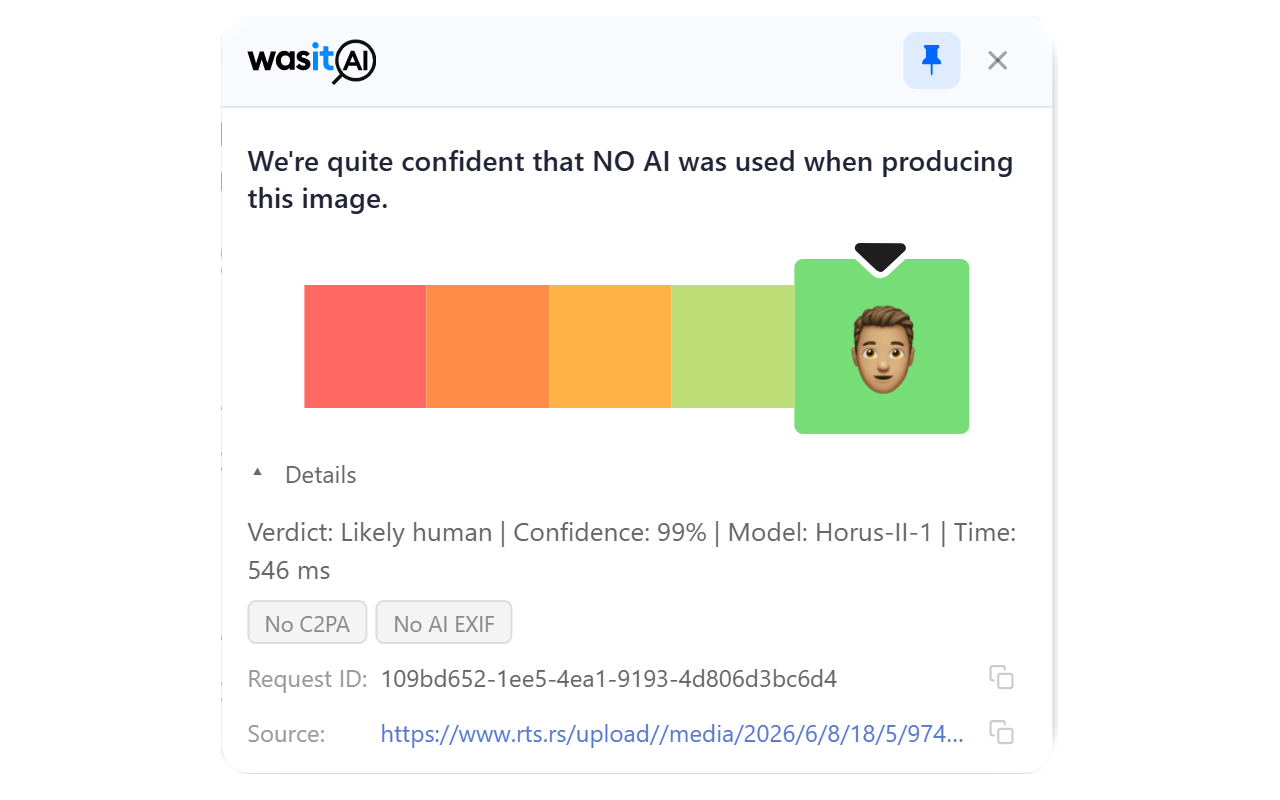
We’re excited to announce that the WasItAI browser extension is now live for Chrome, Firefox and Safari (soon). You can now check whether an image was AI-generated directly from the page you’re browsing! No downloading, no switching tabs, no re-uploading.
- Get it for Chrome
- Get it for Firefox
- Safari (soon)
Why we built it
Most of the images you’ll ever wonder about don’t live on your hard drive. They show up in your feed, in an article, in a marketplace listing. Until now, checking one of them meant saving the image, opening WasItAI, and uploading it. That friction adds up, and it’s exactly the moment where most people give up and just guess.
The extension removes that friction. If you can see an image in your browser, you can check it.
How it works
Once the extension is connected to your WasItAI account, you have two ways to analyze any image:
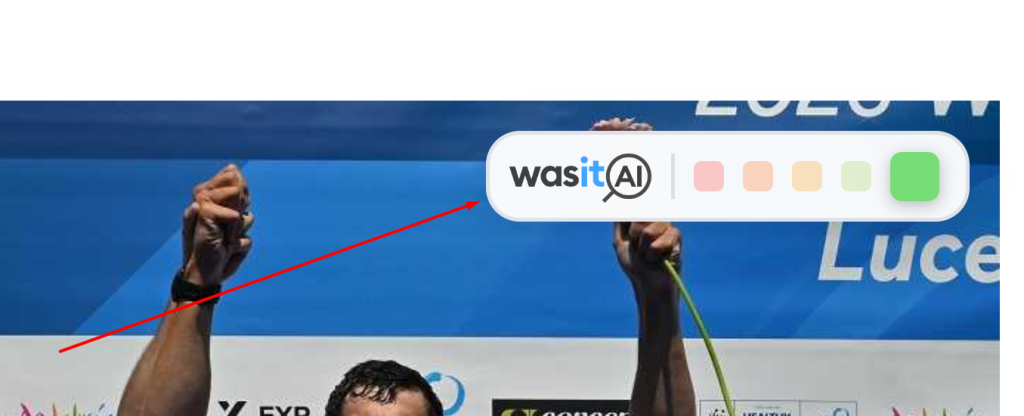
– Hover and click: Move your mouse over an image and a small WasItAI button appears. One click sends the image for analysis, and the result is shown right there on the page.
– Right-click: Prefer a quieter browsing experience? You can turn the hover button off (globally or per site) and use the “Check image with WasItAI” option in your right-click on image menu instead.
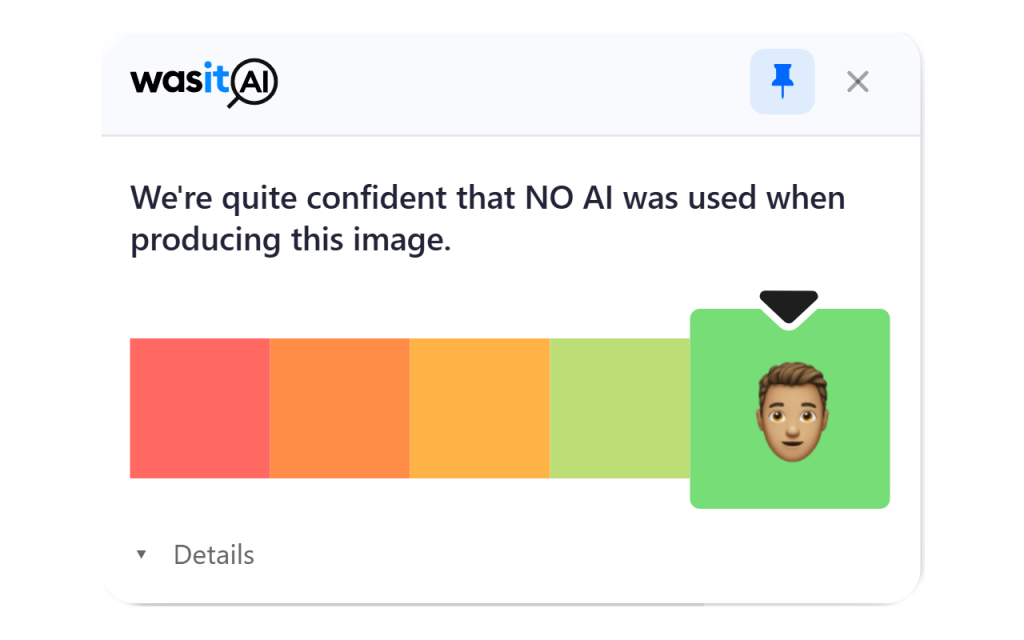
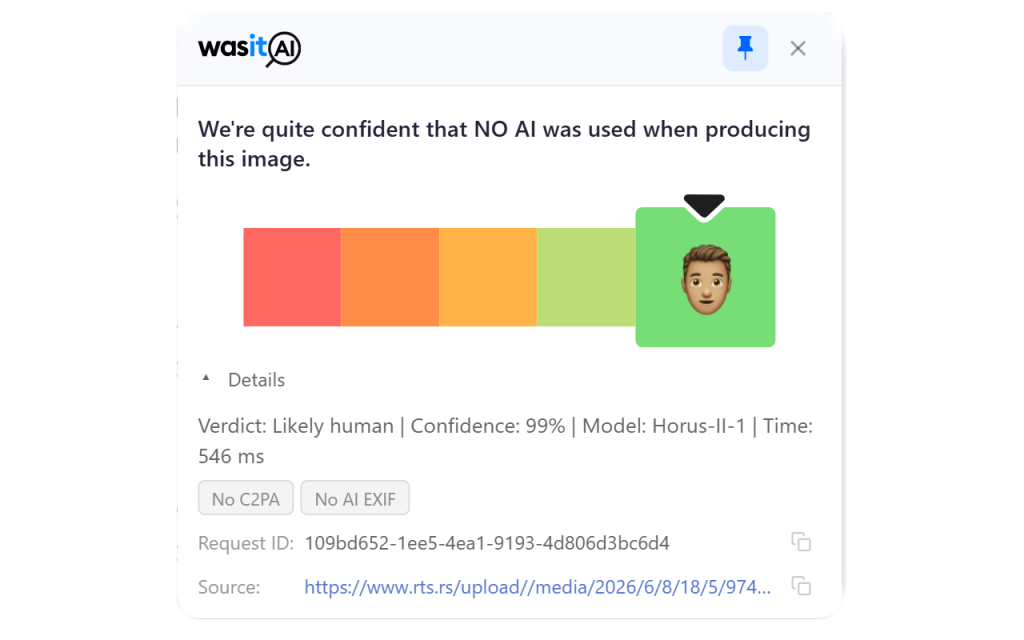
Results appear as an overlay on the image itself, with the same verdict and confidence you’d get from our website. The extension also keeps a local history of your recent checks, so revisiting an image you’ve already analyzed is instant and doesn’t cost you another unit.
The extension popup gives you a live view of your account: remaining units, total requests, and your current subscription, with a one-click jump to your dashboard when you need more.
Getting started
1. Install the extension from the Chrome Web Store, Firefox Add-ons, or Safari (Soon).
2. Open the extension and click Connect via Dashboard. It links to your WasItAI account in a few seconds. (You can also paste an API key manually from dashboard.wasitai.com/web-extension.
3. Hover over any image and click the WasItAI button. That’s it.
You’ll need a WasItAI account. If you don’t have one yet, you can get one by registering on our dashboard.
Privacy
The extension only sends an image to our servers when you explicitly ask it to analyze one. It does not collect your browsing history or monitor the sites you visit, and submitted images are not stored beyond what’s needed to complete the analysis or shared with third parties. The full details are in our privacy policy.
No AI image detector is 100% perfect
As we’ve said before: no AI image detector, including ours, will ever be perfect. Detection results are probabilistic estimates, not definitive rulings! Please treat them as a strong signal, not a verdict. If the extension gets one wrong, you can report the misclassification from your dashboard, and those reports directly shape our model improvements.
What’s next
We’ll keep tuning the extension based on how you actually use it. If something feels off, or there’s a feature you’re missing, tell us at info@wasitai.com – many of the improvements we ship come directly from community feedback.
Happy (and slightly more informed) browsing,
The WasItAI Team